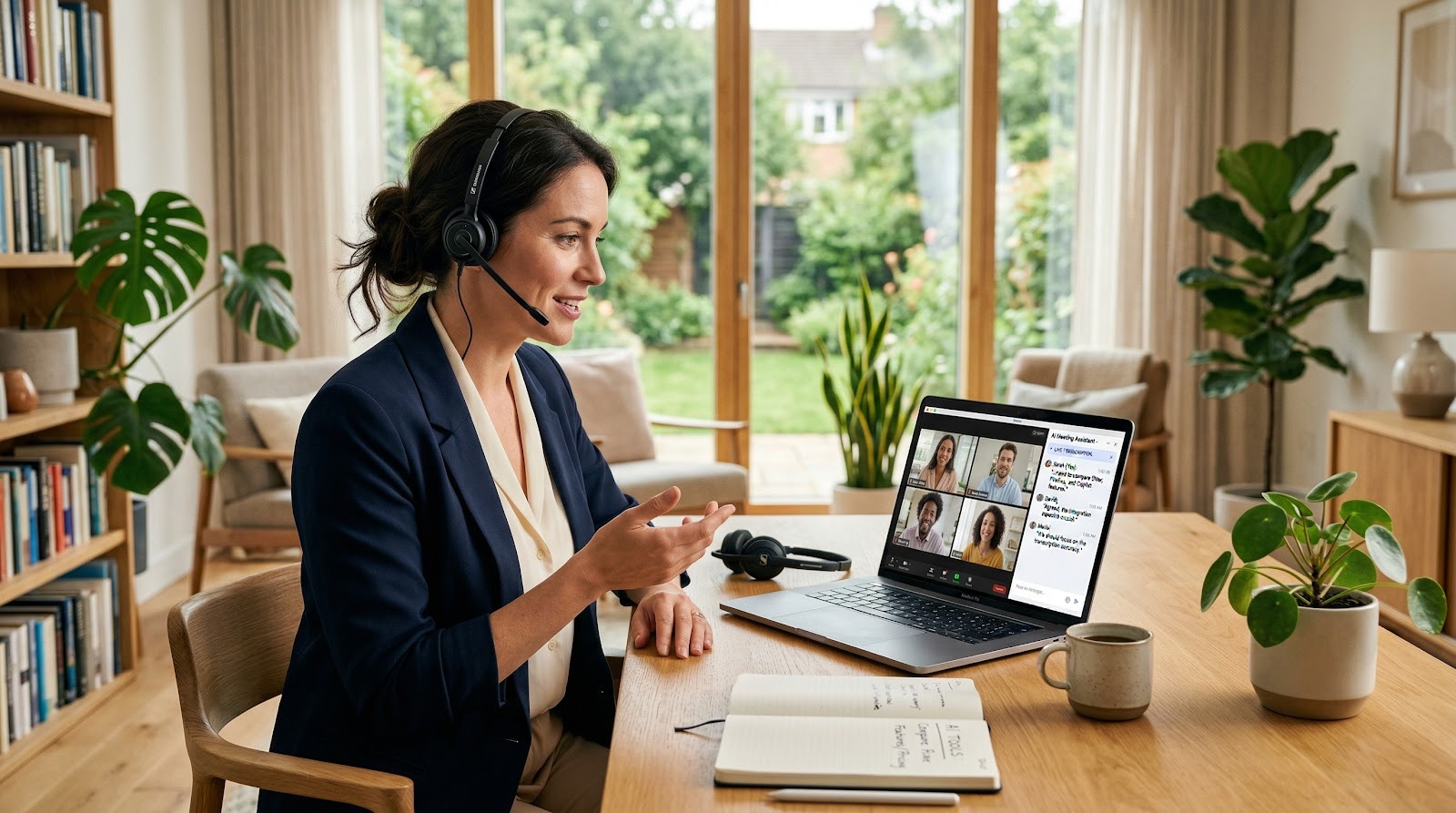
AI Meeting Assistants: Otter, Fireflies, Granola, Copilot
Last Updated: March 2026
Otter, Fireflies, Granola, and Microsoft Copilot help small businesses record meetings, generate summaries, and surface action items faster. AI Smart Ventures helps small businesses choose and adopt AI tools with clear workflows, practical training, and measurable time savings.
Key Takeaways
- Otter and Fireflies are strong meeting transcription options for general use.
- Granola is built for lightweight note-taking with less setup.
- Microsoft Copilot fits best if your team already uses Microsoft 365.
- The right choice depends on your note-sharing workflow, not just transcription quality.
- Small teams should test one meeting assistant before rolling it out company-wide.
Why Compare Otter, Fireflies, and Copilot?
Small businesses are comparing AI meeting assistants now because the time loss is real, and the budget impact is easy to measure. According to McKinsey & Company research, generative AI could add trillions of dollars in annual economic value, while Gartner has said that by 2026, more than 80% of enterprises will have used generative AI APIs or deployed gen AI-enabled applications. Deloitte’s AI research also shows that many companies are moving from experimentation to operational use. For a small team, choosing the right meeting assistant can cut note-taking, recap, and follow-up work by hours each week, which quickly translates into lower overhead and faster response times.

AI meeting notes free: which option works best?
For simple one-on-one calls, Otter is usually enough if you want automatic notes without much setup. Fireflies also offers a free tier, but its value grows when you need searchable meeting history and broader workflow automation. Granola is better known for lightweight note-taking during live calls, while Copilot makes the most sense if your team already lives in Microsoft Teams and Outlook.
If you only need free AI meeting notes, check three things before choosing: – Monthly transcription minutes – Per-meeting length limits – Whether summaries export to your current tools
The free tier is rarely the best long-term fit for recurring client meetings, sales calls, or internal planning sessions. If your team meets several times a day, a paid plan often becomes more efficient than juggling limits and manually filling gaps.
How does a free AI meeting minutes generator work?
A free AI meeting minutes generator usually gives you 30 to 300 minutes of transcription each month, then turns recorded speech into notes, action items, and summaries. For small businesses, that is often enough for weekly client calls, team check-ins, and one-off project meetings. AI Smart Ventures helps small businesses choose AI tools that fit real workflows, not just feature lists.
Most tools in this category follow the same workflow: join the meeting, capture audio, transcribe the conversation, and summarize the result. Otter is the simplest for quick note capture, while Fireflies is stronger when you want searchable meeting history and integrations. Granola works well if you want cleaner notes from your own meetings, and Microsoft Copilot fits best when your business already lives in Microsoft 365.
If you want to test a free plan first, start with the tool that matches your meeting style: – One-off meetings, Otter – Multi-meeting tracking, Fireflies – Personal note cleanup, Granola – Microsoft 365 workflows, Copilot
Choosing between Otter, Fireflies, Granola, and Copilot depends on your meeting workflow, note-sharing needs, and budget. Get an honest assessment for small businesses comparing AI meeting assistants.
What Does Krisp AI Meeting Assistant Do?
Krisp’s AI meeting assistant offers 60 minutes of free meeting transcription each day, then adds noise cancellation and meeting summaries for quieter, cleaner calls. Krisp is a useful option if you need a lightweight tool for small-business meetings and want help reducing background noise without adding a complex setup. It also fits teams that care more about audio quality and quick notes than deep workflow automation.
Krisp is strongest when your calls happen in noisy offices, shared spaces, or home setups with limited control. If you already use Google Meet, Zoom, or Microsoft Teams, it can sit alongside your current meeting process without much training. For owners comparing Microsoft Copilot and other assistants, Krisp is less of a full productivity suite and more of a focused meeting layer.
Use it if you want: – Fast transcription without a heavy admin process – Cleaner audio for client calls and internal check-ins – Simple summaries instead of complex analytics – A tool that teams can adopt quickly
If your main goal is note capture and call clarity, Krisp is a practical shortlist candidate. If you need richer CRM workflows or team-wide knowledge management, compare it against other assistants before you commit.

What Are the Best AI Meeting Assistants?
This table helps you match Otter, Fireflies, Granola, and Microsoft Copilot to the way your business actually runs, from simple note-taking to heavier Microsoft 365 workflows.
| Tool | Best For | Price | Key Feature |
|---|---|---|---|
| Otter | Small teams that want straightforward meeting notes | Free plan available, paid plans start at $16.99/month | Live transcription and searchable meeting summaries |
| Fireflies | Teams that need broader transcription and integrations | Free plan available, paid plans start at $10/seat/month | Meeting recording plus workflow integrations |
| Granola | People who want lightweight, personal meeting notes | Pricing available on the official site | Local note-taking focus with minimal friction |
| Microsoft Copilot | Businesses already using Microsoft 365 | Pricing available on the official site | Works inside Microsoft productivity tools |
If you want the simplest pick, use Otter for basic notes, Fireflies for team workflows, Granola for personal note capture, and Copilot if your team already lives in Microsoft 365. Compare the workflow first, then pay only for the features you will use.
Which AI Meeting Device Fits Your Team?
The best AI meeting assistant device for small businesses is usually the one that matches your meeting setup, Otter for simple cloud note-taking, Fireflies for broader transcription workflows, Granola for lightweight personal use, and Microsoft Copilot for teams already inside Microsoft 365. AI Smart Ventures helps small businesses choose and deploy practical AI tools that fit their workflows and budget.
If you mean a physical device, most buyers do not need one. These tools are mainly software that runs on your laptop, browser, or meeting platform, so the real decision is about workflow, not hardware. That matters because Gartner has reported that 80% of project management tasks may be managed by AI by 2030, and McKinsey says generative AI could add $2.6 trillion to $4.4 trillion annually across use cases. Deloitte has also found that 75% of executives expect generative AI to significantly change how they work. For a small business, the ROI usually comes from saving even 2 to 5 hours per week per manager.
If you want the simplest setup, choose the tool that already fits your meeting stack: – Otter, for fast transcription and searchable notes – Fireflies, for more flexible meeting capture and team sharing – Granola, for individual note-taking with less friction – Copilot, for Microsoft 365 users who want meeting notes close to their documents
If your team spends time copying notes into email, CRM, or task tools, the best choice is the one that removes that extra step.
How does Otter AI fit small business meetings?
Otter AI is strongest when you need automatic transcription for a few recurring meetings, and Otter’s Pro plan starts at $16.99 per user per month on its official pricing page. For a small business, that usually means quick notes from client calls, internal check-ins, and interviews without much setup.
Otter works best if your team wants searchable transcripts and shared summaries more than deep workflow automation. It is less useful if you need tightly integrated action items across a sales stack or document-heavy meeting prep.
Small teams should compare Otter against Fireflies, Granola, and Microsoft Copilot based on how meetings happen, not just on transcription quality. If you mainly want clean notes after the meeting, Otter is often the simplest choice.
If you want a broader tool selection and rollout plan, AI Smart Ventures helps small businesses match AI meeting tools to their workflows and budget.
A practical way to judge Otter is to ask three questions: – Do you need fast transcription more than advanced automation? – Will multiple teammates need access to the same notes? – Is your meeting volume high enough to justify a paid plan?
If the answer is yes to the first two, Otter is usually a solid fit. If you need stronger task routing or Microsoft 365 integration, Copilot may be a better match.
Whether using generative AI tools powered by large language models (LLMs), machine learning classifiers, or AI agents with prompt engineering, the path to digital transformation starts with assessing AI readiness and matching the right tool to each workflow. Teams that invest in upskilling and reskilling alongside change management build stronger AI integration across their tech stack, and a structured AI audit or AI roadmap keeps workflow automation and AI enablement efforts on track.
Frequently Asked Questions
Which AI meeting assistant is best for small business teams?
The best choice depends on how your team meets, but Copilot is usually best for organizations already using Microsoft 365, Fireflies is strong for searchable meeting records, Otter is simple for automatic notes, and Granola is best for personal note-taking. Small businesses with 5 to 50 employees should choose based on meeting volume, collaboration needs, and whether the team already pays for Microsoft tools.
How does Otter compare with Fireflies for meeting notes?
Otter is better for fast, simple note-taking, while Fireflies is better for organizing and searching across many meetings. Otter is often easier for solo users or smaller teams that want automatic summaries without much setup. Fireflies usually fits teams that want broader conversation intelligence, more shared access, and stronger follow-up workflows after repeated client or internal meetings.
Is Granola better than Otter for executives?
Granola is often better for executives who want a lightweight, private note-taking workflow, while Otter is better for users who want automated transcription and shareable meeting records. Granola works well for fast personal capture during back-to-back meetings. Otter is usually the stronger option if the goal is to produce notes that other team members can review quickly.
Does Microsoft Copilot replace a separate meeting assistant?
Microsoft Copilot can reduce the need for a separate meeting assistant if your business already uses Microsoft 365 for Outlook, Teams, and documents. It is strongest inside that ecosystem, especially for meeting summaries and action items connected to Microsoft apps. If your team meets outside Teams or wants a dedicated transcription-first tool, a separate assistant may still be useful.
Which tool gives the most useful meeting summaries?
Fireflies and Copilot usually produce the most useful summaries for team follow-up, while Otter gives clear basic summaries and Granola is more focused on personal recall. The best summary tool is the one that matches your workflow, whether you need action items, searchable transcripts, or quick notes for later review. For many small businesses, that means testing two tools before deciding.
How much should a small business expect to pay for an AI meeting assistant?
Most small business plans start around $10 to $20 per user each month, with higher-tier options often ranging from $20 to $30 per user each month. Microsoft Copilot may be priced differently because it is tied to Microsoft licensing. If you want the right fit without wasting budget, Schedule a free consultation.
Which AI meeting assistant works best with Zoom and Google Meet?
Fireflies and Otter are both common choices for Zoom and Google Meet because they are built for cross-platform meeting capture. Granola is more focused on local note-taking, and Copilot is strongest in Microsoft Teams. If your business uses multiple meeting platforms each week, choose a tool that can join calls consistently and keep transcription quality steady across them.
What should a small business look for before choosing one of these tools?
A small business should look at transcription accuracy, meeting platform support, sharing options, storage, and monthly cost. It should also check whether the tool can identify speakers correctly and create usable summaries in under 5 minutes after the call. For teams with limited IT support, ease of setup matters as much as feature depth.
Can one AI meeting assistant handle both internal meetings and client calls?
Yes, one AI meeting assistant can handle both, but some are better for one use case than the other. Otter and Fireflies are often better for shared business meetings and follow-up records, while Granola is more personal and Copilot is strongest inside Microsoft workflows. If your business runs 10 or more meetings a week, choose the tool that reduces admin work the most.
How do I choose between Otter, Fireflies, Granola, and Copilot quickly?
Choose Otter for simple notes, Fireflies for searchable team meeting history, Granola for personal note-taking, and Copilot for Microsoft 365 users. A fast decision rule is this, pick the tool that matches your calendar, your document system, and your budget first. That usually narrows the choice in less than 30 minutes.
Executive Summary
Otter is the simplest choice for straightforward note-taking, Fireflies works better when you need searchable meeting records, Granola is useful for fast personal summaries, and Microsoft Copilot fits businesses already using Microsoft 365. The best option depends on how your team meets, how much automation you need, and whether you want standalone software or a built-in assistant. If you are unsure, start by matching one tool to one real meeting workflow and test it for a week.
What Should You Do Next?
Compare how Otter, Fireflies, Granola, and Copilot handle your actual meeting workflow this week, then test one tool on a recurring internal call and another on a client-facing meeting. Check transcription accuracy, speaker labeling, note formatting, and how easily the summary fits into your follow-up process.
AI Smart Ventures offers AI Advisory and AI implementation services for small businesses evaluating meeting assistant tools and workflow fit. Schedule a consultation to choose the right setup for your business.
People Also Read
- Is Microsoft Copilot Worth It for Small and growing Companies?
- ChatGPT vs Microsoft Copilot: Which Is Better for Business?
About the Author
Nicole A. Donnelly is the Founder of AI Smart Ventures and an AI Adoption Specialist with 20 years of experience as a founder and CEO and over a decade leading AI adoption initiatives. She helps businesses integrate artificial intelligence with clarity and confidence, driving innovation and sustainable growth. Nicole has trained over 20,217 professionals in Applied AI, delivered 624 workshops, and worked with close to 1,000 organizations across diverse industries.
Expertise: AI Transformation, AI Strategy, AI Implementation, AI Adoption, Applied AI, Marketing, Business Operations
This content is for informational purposes only and does not constitute professional advice. Results vary based on organization size, industry, and implementation approach.