
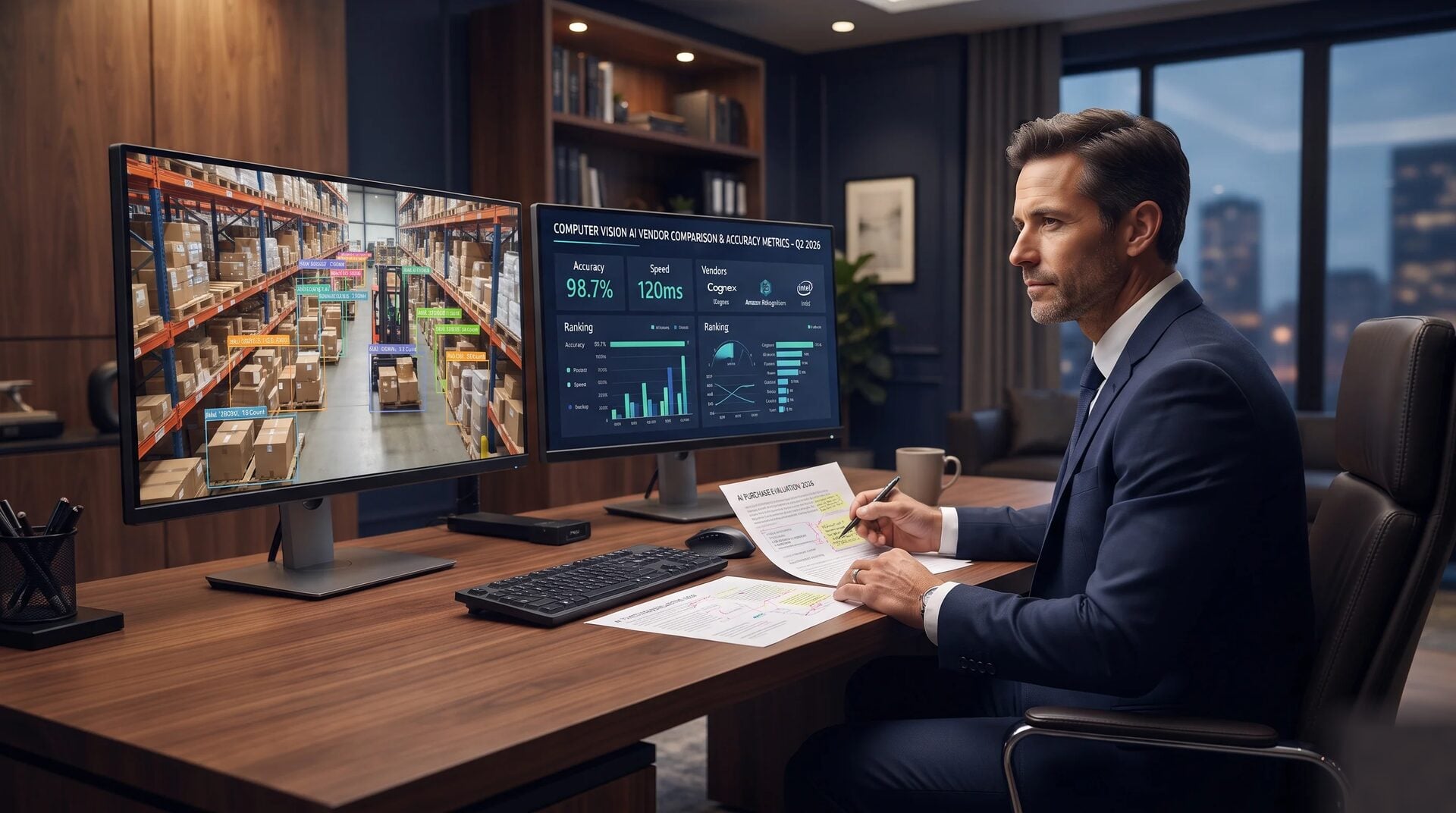
Computer Vision AI: Buying Guide for Business Owners in 2026
Last Updated: July 2026
A computer vision AI buying guide helps business owners pick the right visual AI tools. It shows you how to check vendors, control costs, and measure real results. Computer vision software teaches machines to read images and video feeds. These systems spot objects, defects, and patterns in real time.
These tools handle high-volume visual tasks that once needed constant human attention. Think quality checks on production lines. Also consider stock counts in warehouses and safety monitoring on job sites. Knowing how to compare vendors and track true costs is the first step. It helps you buy with confidence.
AI Smart Ventures has guided hundreds of growing businesses through checking and deploying computer vision AI tools. The team focuses on real-world adoption, not technical theory. They help owner-operators cut through vendor claims. The goal is to find which visual tasks will pay off fastest.
The team connects business goals to the right tech choices. This helps companies move from pilot to production without wasted time or budget.
Computer vision projects can fail when owners treat them as pure tech purchases. The real work is defining the right problem and gathering good data. You also need to pick the build path that fits your timeline. The sections below cover each decision in plain language.
Key Takeaways
- Start with one clearly defined visual problem. Then expand your computer vision strategy to other areas.
- Always run a paid proof of concept on your own data. This verifies vendor claims before you sign a long-term contract.
- Expect your total cost to run 40 to 60 percent above the software price. Data, hardware, and setup all add to the bill.
- Choose off-the-shelf tools for generic tasks. Invest in custom builds only when your unique step needs it.
- Measure success with operational figures like reduced defect rates or saved inspection hours. Do not rely only on technical accuracy scores.
- Review your data ownership agreement carefully. Make sure your images and model files stay yours after the project ends.
These six points cover the main failure spots in a first computer vision project. Keep them in mind as you read the sections below.
What problems can computer vision solve?
Computer vision solves business problems by automating tasks that depend on human sight. Digital systems now step images and video feeds to do repetitive visual checks. Manual checks are prone to errors because workers get tired. These tools boost consistency across floors, warehouses, and job sites. They also free workers for higher-value tasks.
The result is fewer defects and lower labor costs. You also get faster alerts when something goes wrong.
Common uses include automated defect checks on assembly lines. Real-time inventory counts update stock levels as items move through a warehouse. Safety monitoring flags missing gear or hazards before accidents happen. Retail businesses scan shelves to confirm products match planogram rules. Farm operations use computer vision to catch crop disease early.
Each use case shares a common trait. It is a high-volume task where consistency affects cost, safety, or quality. Match a visual problem to a clear business outcome. This builds a stronger case for investment. You also set a baseline to measure results.
How do you pick the right vendor?
The best way to choose a vendor is to test them on your own data. Do not rely on their marketing materials. Vendors who only show results on generic datasets may fail with your products. They may also struggle with your lighting conditions. A real-world proof of concept is the single best step you can take.
When you review vendors, ask for case studies with real numbers tied to business KPIs. Look for industry history that fits your issue. That might be food inspection, construction safety, or retail analytics. Confirm the vendor has a written data ownership policy. It should say your images and model files stay yours.
Ask how they define success. Check if they use your KPIs or their own benchmarks. A vendor who will not share a output plan before signing is a red flag.

Compare at least three vendors using a consistent scorecard. Gartner’s AI research tracks best practices for checking AI vendors and managing selection risk. Make sure all vendors quote on the same scope. That keeps cost comparisons fair.
What does a CV project really cost?
The real cost of a computer vision project goes well beyond the software license. Many owners focus only on the price listed on a vendor’s site. But the true cost has four more parts. These are data labeling, hardware, connection work, and ongoing model upkeep. Each one needs its own budget line.
Labeling a training dataset takes a lot of staff time or money paid to an annotation service. GPU hardware or cloud compute can add up fast. This is especially true when you step high-resolution video. Connecting the system to your ERP or warehouse software is often the biggest hidden cost. Total costs typically run 40 to 60 percent above the software price.
Plan for all four cost areas before you start. This avoids mid-project surprises that can stall your rollout.
Should you build custom or buy off the shelf?
Your build choice depends on how unique your visual problem is. Off-the-shelf tools work well for common tasks like barcode scanning or face recognition. They are faster to set up and cost less upfront. Choose them when your use case fits standard patterns.
Custom builds pay off when your product types are too unique for generic models. The same applies when defects are hard for standard tools to catch. A model trained on your data reaches much higher accuracy for specific tasks. The trade-off is a longer build time and higher upfront cost. You will also need to retrain it as your products change. Owners who want a proprietary edge often see costs pay back. Quality gains and lower labor make up the difference.
Match your build choice to your tolerance for time, cost, and depth. That makes the system more likely to succeed in year one.
How do you run a proof of concept?
A proof of concept is a short, scoped project. It tests a vendor on your real data. It is the best way to find out who delivers on their claims. This step protects your budget. It also gives you a solid basis for your buying decision.
Start by picking a narrow, measurable problem. For example, detecting one type of surface defect on one product line. Give the vendor a sample of your real images. Include both good and defective items. Set clear success criteria before you start. For example, a defect catch rate above 95 percent and false positives below 2 percent. Run the project for four to six weeks. At the end, measure accuracy against your pre-set benchmarks, not the vendor’s numbers. Document results so you can compare vendors fairly.
A well-run proof of concept costs between 5,000 and 25,000 dollars. That price is worth it. It can save you from spending far more on an answer that does not fit.
Ready to find the right computer vision AI path for your business? AI Smart Ventures offers AI Advisory services for growing businesses that want expert guidance on checking tools, managing vendor risk, and building a realistic deployment plan. Schedule a consultation to find which computer vision tools fit your specific goals and budget.
What ROI metrics should you track?
Tracking the right metrics shows you which projects get renewed. Projects with poor metrics get cut. Technical scores like mean average precision matter during development. But business owners need outcomes that tie to cost, quality, or speed. Set your measurement plan before the system goes live. That way, you have a clear baseline.
Track defects caught per 1,000 units. Measure the drop in manual inspection hours. Watch the rate of customer returns tied to quality. Compare inventory count speed to your pre-launch baseline. For safety tools, track near-miss events flagged before they become injuries. For retail, measure shelf compliance rates and how long each store audit takes.
Set reviews at 30 days, 90 days, and 180 days. This shows you if the model keeps getting better. Metrics tied to your current KPIs make it easier to expand the program. The McKinsey State of AI report is a useful reference for understanding how companies measure AI value across industries.
How do you plan for long-term success?
Long-term success means treating your deployed model as a living system. Unlike regular software, AI models can drift in accuracy over time. New product variants, updated packaging, or a new supplier can all cause problems. Plan for maintenance before launch. That prevents disruption from emergency retraining when a model starts missing defects.
Build a maintenance schedule into your vendor contract from day one. It should cover collecting and labeling new images for cases the model missed. Plan for quarterly retraining at a minimum. Set a rule to retrain sooner if accuracy drops below your threshold. Make sure your team can access the model’s output dashboard. That way, you do not rely only on vendor reports.
A well-maintained system becomes a lasting asset. It is not just a one-time project with a short shelf life.
Frequently Asked Questions
What is computer vision AI used for in business?
Computer vision AI automates visual tasks at scale. Common uses include defect checks on assembly lines. It also handles inventory counting, shelf audits, and safety monitoring. These systems run continuously. They replace manual checks that tire out workers over long shifts. The Stanford AI Index tracks the rapid growth of AI adoption in industrial and business settings.
How accurate do computer vision models need to be?
Required accuracy depends on the stakes. High-risk tasks like medical device or food safety inspection often need a catch rate above 99 percent. Lower-risk tasks like general object counting may be fine at 90 to 95 percent. Always set your minimum accuracy before starting. Tie it to the cost of a missed detection in your operation.
How long does it take to deploy a computer vision answer?
Timelines vary by depth. Off-the-shelf tools can go live in two to four weeks. Custom models that need labeled data and connection work take three to six months. Factors that slow things down include data issues, hardware delays, and legacy system connection.
Do I need to hire a data scientist to use computer vision?
Not always. Many platforms offer no-code or low-code tools. Business analysts can train and deploy models without deep coding skills. Complex custom builds or high-accuracy projects often need a data science tool. That person can be in-house or given by the vendor. Check your team’s skills and the vendor’s support before deciding.
What kind of data do I need to train a computer vision model?
Training data is images or video frames of the visual task you want the model to learn. Each image needs labels that mark the objects, defects, or conditions of interest. The volume you need depends on task depth. Most vendors suggest starting with 500 to 1,000 labeled examples per category. Then expand the dataset as the model finds new edge cases.
What is the difference between on-premise and cloud-based computer vision?
On-premise systems run on local hardware in your facility. This cuts latency and keeps data inside your network. Cloud systems send images to remote servers for processing. They offer more flexibility and lower hardware costs. But they add network delays and data transfer steps. Fast-moving production lines usually need on-premise processing. Batch tasks can often run in the cloud without problems.
Can computer vision work with my current cameras?
In many cases, yes. Most platforms work with standard IP cameras already in your facility. But resolution, frame rate, lighting, and camera angle all affect model output. A good vendor will run a camera audit during scoping. They should spot any needed upgrades before training starts, not after.
How do I protect my proprietary data when working with a CV vendor?
Start by reviewing the vendor’s data policy before signing. The contract should say your images and model files are your property. The vendor should not use your data to train models for other clients. Confirm data is encrypted in transit and at rest. Ask for a data processing addendum. It should cover how long data is kept and when it is deleted. The NIST AI Risk Management Framework offers useful guidance on AI data governance best practices.
How do I know if my business is ready for computer vision AI?
You are ready if you have a high-volume visual task done manually today. Errors on that task should carry a real business cost. You also need a sample of images of that task. You do not need a big IT team or a data science department to start. A well-run proof of concept will show if the tech delivers enough value.
How much does it cost to get started with a CV project?
Costs vary widely based on your build path. A proof of concept on an off-the-shelf platform can start at around 5,000 dollars. Custom answers with data labeling, model training, and system connection can run from 50,000 to several hundred thousand dollars. AI Smart Ventures offers AI Advisory services to help you map scope to a realistic budget. Schedule a consultation for a cost estimate based on your use case.
Executive Summary
Computer vision AI lets growing businesses automate high-volume visual tasks. These tasks once needed constant human attention. These tools cut errors and free up workers. They cover everything from finding product defects to monitoring site safety. A strong buying decision starts with a specific problem. Run a proof of concept on your own data. Plan for the full cost of data, hardware, and setup. Track operational metrics, not just technical scores. Build a maintenance plan into your contract from day one. The right vendor and clear scope turn your computer vision system into a lasting edge. It keeps paying off over time.
What Should You Do Next?
Find the one visual problem in your operation that costs the most. Look at labor, errors, or missed detections. Gather a sample of images for that task. Include both normal and abnormal conditions. Then check at least three vendors using a consistent scorecard. Do this before you commit to a proof of concept.
AI Smart Ventures offers AI Advisory for growing businesses that want expert guidance on checking computer vision tools, managing vendor risk, and building a realistic AI adoption roadmap. Schedule a consultation to map your visual automation chance to a plan that fits your timeline and budget.
People Also Read
- How Much Do AI Marketing Services Cost? A Guide for Business Owners
- What Does an AI Marketing Audit Actually Uncover? A Guide for Business Owners
About the Author
Nicole A. Donnelly is the Founder of AI Smart Ventures and an AI Adoption Specialist with 20 years of history as a founder and CEO and over a decade leading AI adoption plans. She helps businesses connect AI with clarity and confidence, driving innovation and lasting growth. Nicole has trained over 20,217 experts in Applied AI, delivered 624 workshops, and worked with close to 1,000 businesses across diverse industries.
Expertise: AI Transformation, AI Strategy, AI Rollout, AI Adoption, Applied AI, Marketing, Business Operations
Disclaimer: This content is for informational purposes only and does not constitute expert business or tech advice. Results vary based on industry, current systems and rollout commitment. Contact AI Smart Ventures for a consultation about your specific situation.

